stream darien

The same local content you know and love… now streaming and on the go!

Watch your favorite local channels and community programming anytime, anywhere, on the devices you already use every day.

StreamDarien brings the local programming you’ve always enjoyed into the streaming age. Enjoy access to local channels, community events, news, sports, and more, all without the limitations of traditional cable equipment. Watch from your TV, smartphone, tablet, laptop, or wherever life takes you.

Local Plus

$20.00

per month

  • Channels 2-29

  • Includes local network broadcasting and the most frequently requested cable channels.

Premier

$80.00

per month

  • Local package included

  • Channels 2-29, 104-137

Premier Plus

$98.95

per month

  • Local package included

  • Channels 2-29, 104-137- 300-365 + Music

Get It All

$157.95

per month

  • Local, Premier, and Premier +

  • All Channels

  • All Four Movie Paks HBO, Showwtime/TMC, Cinemax, STARZ

A Broadcast TV Surcharge will be added to the monthly bill

** Channels subject to change without notice. Not available in all areas.  Cable TV installation charges may apply. Customer Premise Equipment, Regulated Governmental Fees, Franchise Fees and Applicable Taxes are not included.  Customers must subscribe to Premier service to receive Digital service.

Additional Features
More Screens

Upgrade to 8 streams +800GB Cloud DVR for $17.25/month.
Equipment

Rent a set-top box for $4.95/month, with the first box free or use your own compatible streaming device.

Installation

Professional setup available for a hassle-free experience for $125.
Channels

No Contracts

StreamDarien comes with no contracts or commitments of any kind.

Add-ons

Customize your TV experience with add-on packages.

Cloud DVR Included

Record your favorite shows with the touch of a button for $6/month.

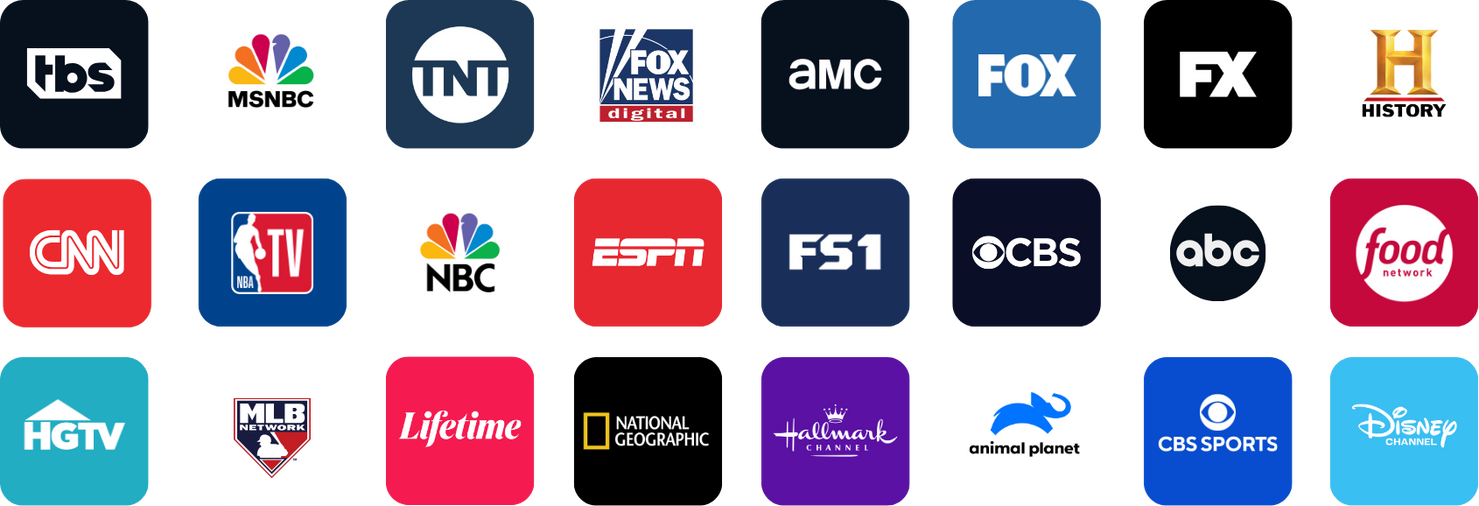
Stream live TV from 100+ channels.

Stream what you want, where you want, when you want.

darien ladning tv tablet phone

StreamDarien on up to 2 devices simultaneous at home or on the go.

Roku

Watch StreamDarien using your favorite streaming device or smart TV

Supported Devices

  • Roku Streaming Stick 4k
  • Amazon FireStick 2 & 3 Generation
  • Apple TV 2nd-4th Generation

Frequently Asked Questions

How does StreamDarien work?
StreamDarien is a live TV streaming app that can be downloaded to your favorite streaming devices including Apple TV, Amazon Fire TV, and Roku. You can access your service through the StreamDarien app on your preferred device.

Does StreamDarien have my local channels?
Yes, StreamDarien includes all major national and local broadcast channels represented in our service area.

How many streams do I get?
You are able to stream on up to 4 devices simultaneously, and you can have up to 20 devices registered on your account.

How many hours of DVR are included?
body”>StreamDarien comes with unlimited DVR recording.

What devices are compatible with StreamDarien?
StreamDarien is supported on Apple, Amazon, and Roku devices. Click here to view a complete list of compatible devices.

What features are included with my service?
StreamDarien is packed with several great features at no extra cost! Your subscription comes with free HD and unlimited Cloud DVR. In addition, you can also utilize features like Replay TV, Restart TV, and can pause and rewind live TV!

What is Restart TV?
Restart TV is a feature that allows users to start watching a live program from the beginning. Never miss a moment! It is available with most channels.

Replay TV
Replay is a feature that allows up 7 days of previously aired programming to be viewed, and is available with most TV networks. Did you miss the big game yesterday? No problem! Just scroll backwards on the program guide to your desired program and press OK.

Can I watch TV outside?
Absolutely! You can enjoy StreamDarien on any device, anywhere as long as you have an internet connection.

Supported Devices

Smartphones/Tablets

  • Android (Minimum Version 7.1)
  • iOS (Minimum Version 12)

 Amazon Fire TV

  • Stick 4K Max 2nd Gen (K3R6AT)
  • Stick 4K Max 1st Gen (K2R2TE)
  • Stick 3rd Gen (S3L46N)
  • Stick 2nd Gen (LY73PR)
  • 3rd Gen (LDC9WZ)

 Apple TV

  • HD Gen 4 (A1625)
  • 4K Gen 3 (A2943)
  • 4K Gen 3 (A2737)
  • 4K Gen 2 (A2169)

 Roku

  • Express 4K3940
  • Express 4K+ 3941
  • Streaming Stick 3810
  • Streaming Stick 4K 3820
  • Streaming Stick 4K+ 3821

 Smart TV

  • Smart TVs equipped with Amazon, Roku, or AppleTV software are generaly compatible, but compatibility is not guaranteed. Certain TV makes and models may lack the memory and processing power needed to run the StreamDarien app, and therefore may not be supported
How do I contact StreamDarien if I have issues with my service?
If you experience an issue,call our 24/7 support line at  912-437-4111.


How do I browse the program guide while watching a program?
Press the up and down directional arrow keys on your remote to change channels one at a time.


How do I record a program?
To record a program, select the program you wish to record in the program guide. The menu will give you a few different options, such as Play and Record. Navigate to the Record option and press OK on your remote. If it is a series, you have the option to record the single episode or all episodes. You can also return to the list of scheduled recordings to adjust your preferred settings.


How do I access DVR recordings?
Use your remote control device to bring up the Menu. Navigate to the fourth button from the left and select it by pressing OK. You will then see your recorded and scheduled programs. You may also view how many hours of content you have recorded.


How do I access settings?
Pull up the program guide using your remote control. Navigate to the 4th icon from the left and select it by pressing OK. Navigate to the gear icon on the top right and press OK. From settings, you can set up parental controls, manage user profiles, and sign out of the StreamDarien app.


Are parental controls available?
Yes, you can access parental controls in the settings. From there you can change your PIN, edit locked programs, set ratings, time restrictions, cancel overrides, and view options. By enabling parental controls, a PIN will be required to play content with TV-MA, R, or NC-17 ratings.


What if I get an error that all streams are being used?
In the event that you receive an error that all of your streams are being used, it means that you have exceeded the allotted number of streams that you can use simultaneously. You can resolve this by turning off one of the streaming devices that is not in-use.


How do I get my Login and Passphrase?
Your login and passphrase credentials can be accessed through the StreamDarien App. Once logged in, you will see a list of your subscribed services. Once you locate your StreamDarien service, click the Options button to view the available and additional service options. From there, click Request StreamDarien Activation Code under the list of additional options. You will then receive an email that provides your login and passphrase credentials.

apple store
Google play
Amazon app store